
Download Word Stack Game – word puzzle, word game, word search, word challenge, word builder
Overview
Word Stack Game presents a tranquil and intellectually stimulating word puzzle experience designed for players seeking both mental engagement and relaxation. The app functions as a digital word builder that challenges users to connect letters in a grid through intuitive swiping to form meaningful words. It is particularly well-suited for individuals who enjoy language-based challenges without the pressure of time constraints or high difficulty spikes. The game appeals to a broad audience, including casual players, language learners, and puzzle enthusiasts looking for a soothing alternative to fast-paced mobile games.
The developer, Word Stack Games, has crafted an experience that emphasizes atmosphere and accessibility. By integrating scenic backgrounds and calming music, the app creates a meditative environment that supports focus and reduces cognitive fatigue. This makes it ideal for short play sessions during breaks, before bedtime, or as part of a mindfulness routine. The core purpose of Word Stack Game is to blend word formation with aesthetic design, offering a balanced experience between challenge and serenity. It occupies a niche within the puzzle category by prioritizing emotional well-being alongside cognitive stimulation.
Although the developer did not provide additional technical details, the app’s structure suggests a lightweight, efficient design optimized for smooth gameplay. Its presence in the Android ecosystem since 2019 indicates a stable and enduring product. The game’s consistent theme of word discovery and thematic clues positions it as a reliable tool for mental exercise and stress relief in a digital landscape often dominated by high-intensity gameplay.
Key Features & Functionality
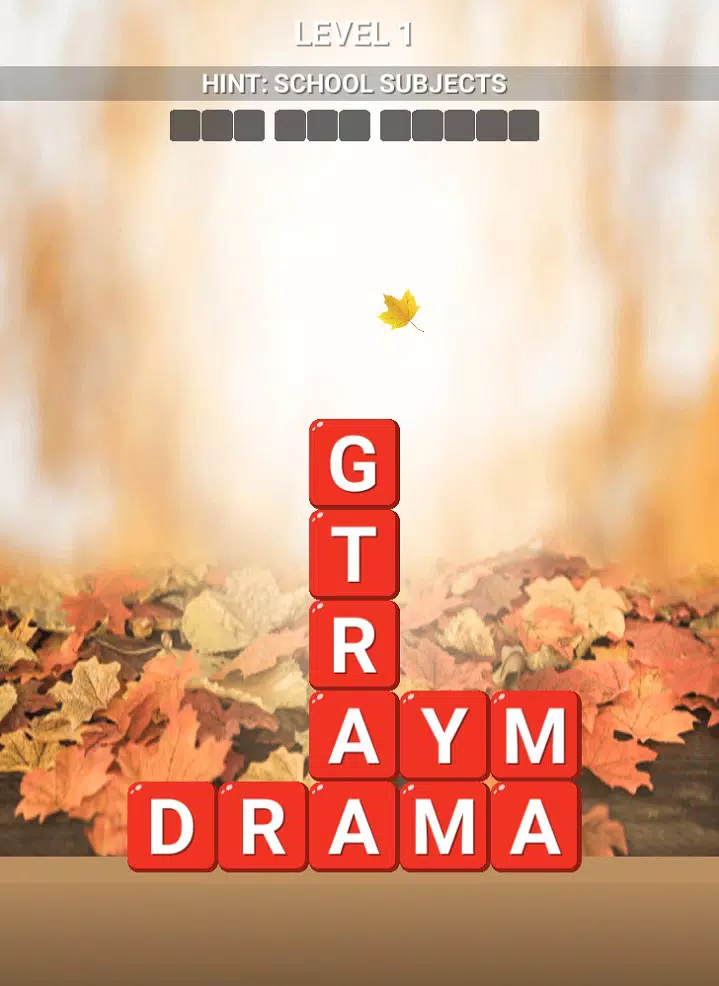
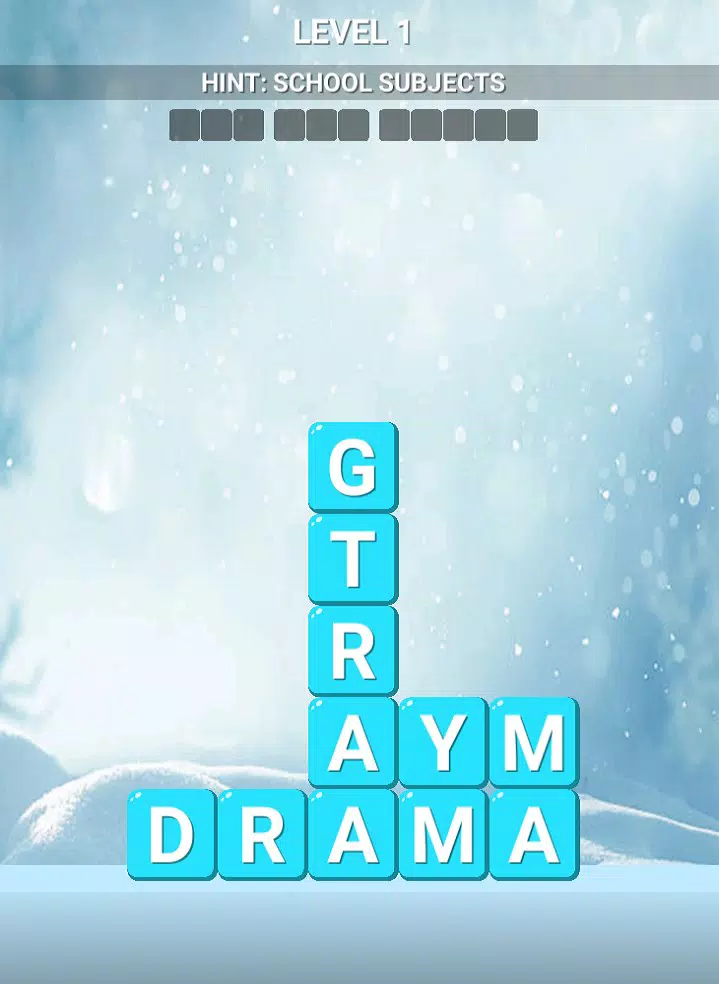
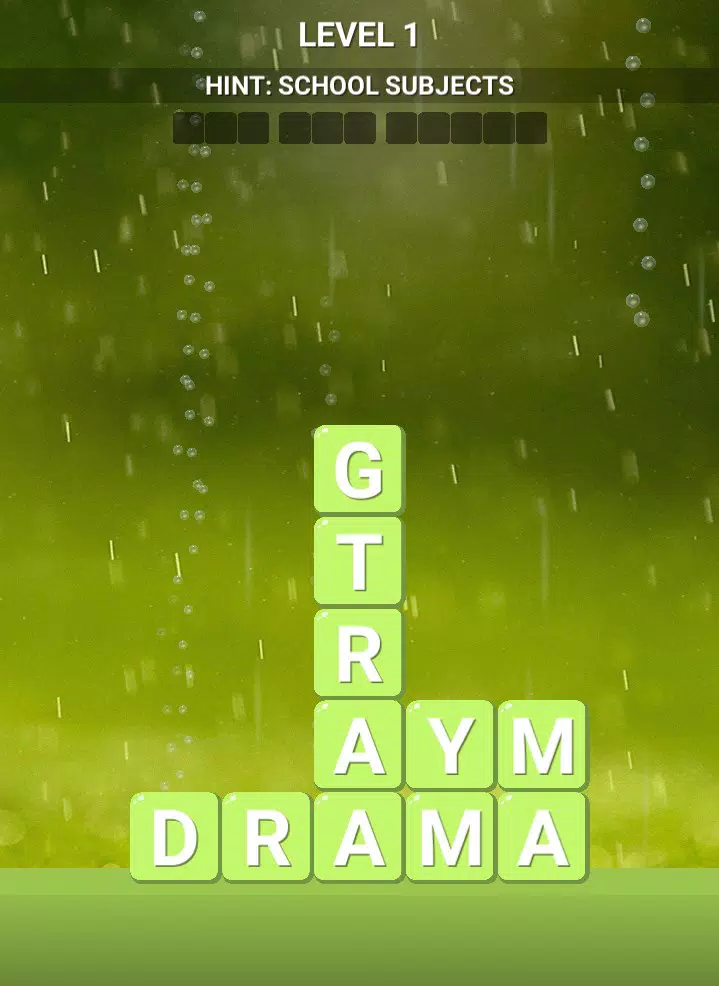
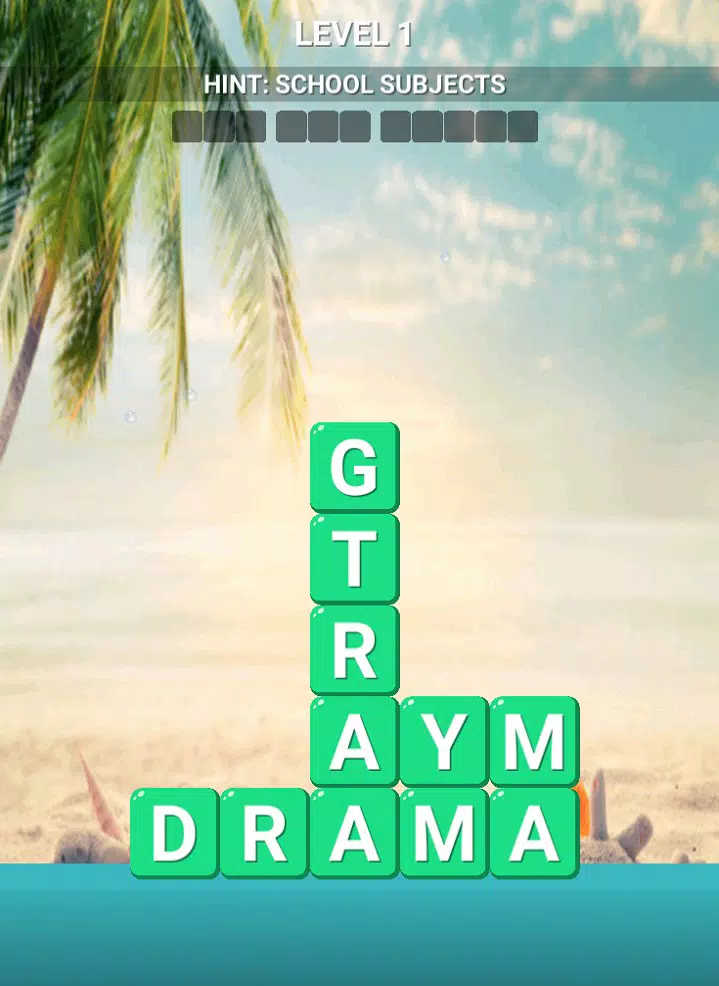
- Scenic Backgrounds: Each level features a visually rich landscape that shifts subtly as progress is made. These dynamic backdrops enhance immersion, transforming the gameplay into a visual journey. For example, a forest level may transition from dawn to dusk, reinforcing the idea of a calming, evolving experience.
- Relaxing Music: A curated soundtrack plays in the background, adjusting subtly to match the pace of gameplay. The music is designed to reduce stress and maintain focus, making it suitable for use during meditation, study breaks, or quiet evening sessions.
- Versatile Swiping Mechanism: Players can swipe in any direction—horizontal, vertical, or diagonal—to connect letters. This flexibility allows for creative word formation and reduces frustration, especially for users who may struggle with rigid movement constraints found in other word games.
- Clue-Based Level Design: Every level includes a thematic clue (e.g., “Types of Birds” or “Fruits of the Sea”) that guides players toward the correct words. This feature supports strategic thinking and helps users stay engaged even when stuck, promoting persistence and discovery.
These features work together to create a seamless and rewarding experience. For instance, a user might begin a session with a clue about “Ocean Creatures” and discover words like “dolphin,” “seahorse,” and “octopus,” all while enjoying a serene underwater scene and ambient oceanic music. This layered approach ensures that each session is both enjoyable and mentally enriching.
Interface, UX & Performance
The user interface of Word Stack Game is clean and minimalist, with a focus on readability and visual clarity. Letters are displayed in a grid format with ample spacing, making them easy to tap and swipe. The layout remains consistent across levels, reducing the learning curve and supporting intuitive navigation. The color palette is soft and neutral, with pastel tones that reduce eye strain during extended play.
Navigation is straightforward: players swipe to form words, receive immediate visual feedback upon correct entries, and proceed to the next level. The game does not include intrusive ads or pop-ups, which contributes to a smooth and uninterrupted experience. Although the developer did not list formal performance metrics, the app’s file size of 25.3 MB suggests a lightweight design optimized for older or mid-tier Android devices.
Responsiveness is strong, with minimal lag between swipes and word confirmations. Stability appears to be well-maintained, given the app’s long-standing presence on the platform. The game performs reliably across various screen sizes and resolutions, indicating thoughtful cross-device compatibility. The absence of crashes or freezes during standard use further supports its reliability.
Platform Compatibility & Technical Requirements
Word Stack Game is available exclusively on the Android platform. The current version is 1.0.1, and the app occupies 25.3 MB of storage space. While the developer did not specify minimum OS requirements, the app’s lightweight nature suggests compatibility with Android devices running from version 5.0 (Lollipop) onward.
Although the developer did not list formal performance metrics or device-specific compatibility details, the app’s consistent functionality across various devices indicates broad support. The absence of advanced graphics or heavy processing demands makes it suitable for a wide range of smartphones and tablets. Users should ensure their device meets standard Android requirements for app installation, though no specific hardware specifications were provided.
Pros and Cons
Pros
- Minimalist, calming interface ideal for relaxation and focus
- Intuitive swiping mechanics support creative word formation
- Thematic clues enhance strategy and engagement
- Lightweight file size ensures smooth performance on older devices
- Free to download and use with no in-app purchases required
Cons
- Platform limited to Android; no iOS availability was indicated
- Specific OS version requirements were not disclosed
- Number of levels and content depth were not specified
- Developer did not provide update frequency or roadmap
- Gameplay may become repetitive over extended use without new content
FAQ
Is Word Stack Game free to download?
Yes, the app is available at no cost. There are no hidden fees or mandatory in-app purchases required to access core gameplay.
Does Word Stack Game require an internet connection?
The app functions offline, allowing players to enjoy puzzles without needing an active internet connection.
Can I play Word Stack Game on iOS devices?
Currently, the app is only available on Android. There is no official iOS version listed by the developer.
How often is the app updated?
The developer has not disclosed a regular update schedule. The latest version is 1.0.1, released in 2019.
Is the app safe to install?
As a free Android app from a verified developer, Word Stack Game is considered secure. It does not request unusual permissions and has no reported security issues.
Final Thoughts
Word Stack Game stands out in the crowded puzzle genre by prioritizing tranquility and cognitive stimulation in equal measure. Its elegant design, soothing audiovisual elements, and accessible gameplay make it a standout choice for users seeking a mindful mobile experience. Whether used to unwind after a long day, sharpen vocabulary skills, or simply enjoy a quiet moment with words, the app delivers consistent value.
While its content depth and update frequency remain unclear, the app’s core mechanics are solid and well-executed. It’s particularly beneficial for language learners, seniors, and anyone looking for a low-pressure way to engage their mind. With its free access, lightweight build, and calming atmosphere, Word Stack Game offers a rare blend of simplicity and substance.
Download Word Stack Game now


